Complete guide: How to use a digital multimeter
If you're delving into the world of electronics, one of the first tools you'll become familiar with is the digital multimeter. It might seem complicated at first glance, but in reality, it's an essential and very simple tool to use.
This guide explains step-by-step how to use a digital multimeter for basic measurements. This way, you can start your projects right away.

Know your tool: The main parts
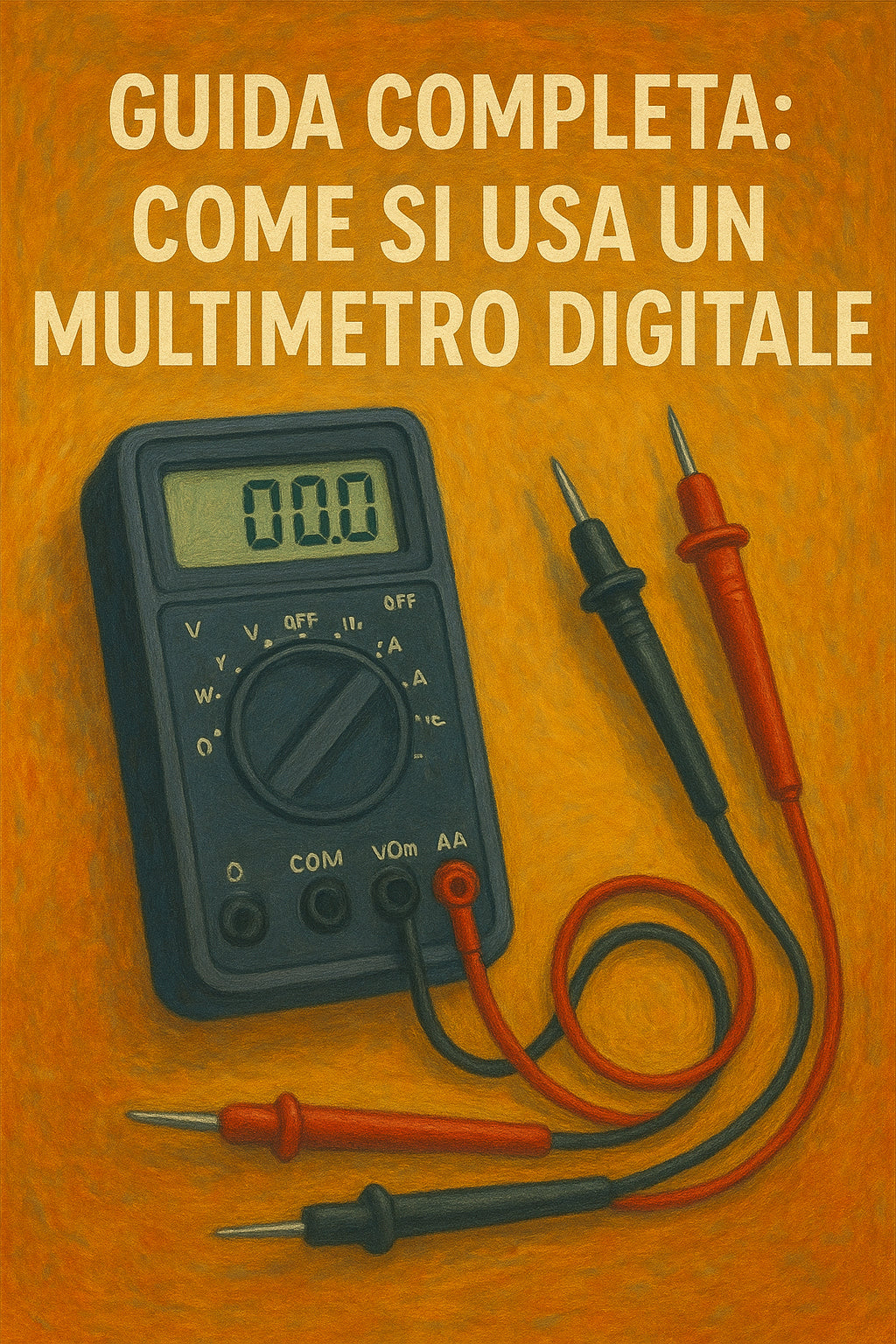
Before you start, pick up your multimeter and familiarize yourself with its components:

- Display: This is the screen where you will see the measurement value.
- Selector (or dial): This allows you to choose the electrical quantity to measure (such as Volts, Amperes, Ohms) and the type of current (DC or AC).
- Probes: These are the two cables, one red and one black. The black probe always connects to the "COM" (common) connector, while the red one connects to the connector for the measurement you need to take (e.g., VΩmA for voltage and resistance).
Basic measurements
Once you have connected the probes correctly, you are ready to measure. Always remember to set the selector to the correct quantity before touching the circuit.
How to measure Voltage (Volts)
Voltage is the "pressure" of the current. To measure it:
- Set the selector to Volts (V) and choose the type of current (DC for batteries, AC for household outlets).
- Touch the two points of the circuit where you want to measure the potential difference with the probes.

How to measure Current (Amperes)
Current is the "flow" of electricity. It is a more advanced measurement and requires positioning the multimeter "in series" with the circuit.
- Turn off the circuit.
- Set the selector to Amperes (A).
- Break a point in the circuit and connect the probes to complete it. When you turn on the circuit, the multimeter will measure the current flow.
How to measure Resistance (Ohms)
Resistance is the opposition to current flow. To measure it:
- Ensure the circuit is completely off.
- Set the selector to Ohms (Ω).
- Touch the two points of the circuit or component to be measured with the probes.
Extra functionality: Continuity Test
One of the most useful functions for beginners is the continuity test. It helps verify if a wire is broken or if two points are connected to each other.
- Set the selector to the continuity symbol icon (often a sound wave or a diode).
- Touch the two points you want to test with the probes.
- If the multimeter emits an audible signal (a "beep"), it means the circuit is continuous.

You're ready to start!
Using a multimeter is the first step to understanding the world of electronics. Now that you have the basics, you can put this knowledge into practice.
Related Products
If you're looking for the right multimeter for you, discover our models:
Buy your tool now and make every project simpler and more precise!