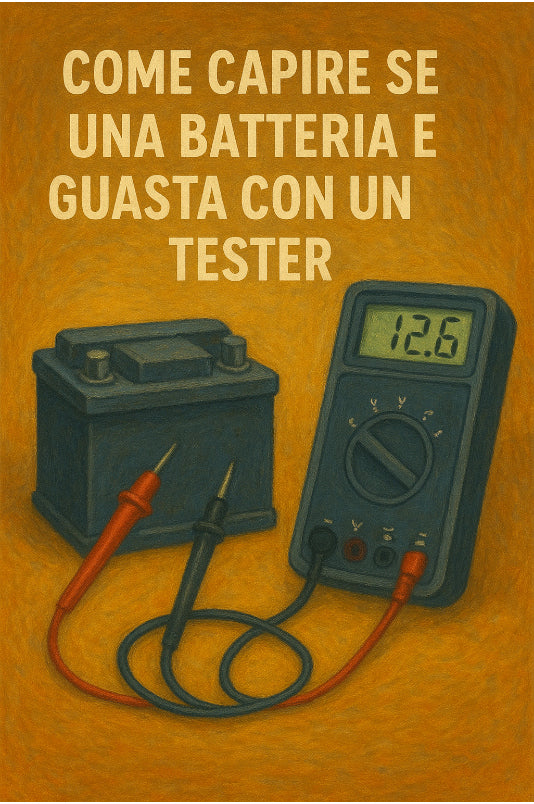
How to tell if a battery is faulty with a tester
Have you ever wondered why your remote control, flashlight, or toy stops working? The first thing you think is that the battery is dead. But how can you be sure before you throw it away?
In this guide, we'll simply explain how to use a multimeter (tester) to check the health of a battery. You'll find out if it's really faulty or if it just needs to be recharged.

Step 1: Prepare the multimeter
Take your digital multimeter and, by turning the selector, set it to DC voltage measurement. You will find it indicated by the letter V with a solid and a dashed line next to it.
- If you are testing a 1.5V battery (such as AA or AAA batteries), set the multimeter to the value closest to 2V.
- If you are testing a 9V battery, set the multimeter to the value closest to 20V.
Connect the probes: the black probe to the COM connector and the red probe to the VΩmA connector.
Step 2: Measure the voltage
Now, place the probes on the battery terminals:
- Place the red probe on the positive (+) terminal.
- Place the black probe on the negative (-) terminal.
Make sure the probes make good contact with the terminals and read the value displayed on the multimeter.
Step 3: Interpret the result
Here's how to interpret the values you see:
- Value close to the nominal value: If a 1.5V battery measures approximately 1.5V, or a 9V battery measures approximately 9V, it means it is charged and working.
- Lower value: If the voltage is much lower than the nominal value (e.g., 1.2V for a 1.5V battery), the battery is discharged.
- Value equal to zero: If the voltage is zero or almost zero, the battery is faulty and needs to be replaced.
An extra tip: If the number you see has a minus sign (-) in front of it, don't worry. It just means you've reversed the probes. The battery is not faulty, you just need to swap the probe positions.
Our multimeters
Do you need a multimeter for your projects? Choose the model that suits you best:
- Complete digital multimeter with thermometer
- Compact and portable DT832 digital multimeter
- Essential analog multimeter NI-701
Now you're ready to test your batteries and give new life to your devices!